
AI Image Editor — Transform & Enhance Images with AI
Upload any image and transform it using text instructions
KVIO.ai's AI image-to-image editor lets you transform, edit, and enhance any photo using text prompts. Change styles, swap backgrounds, add elements, or create creative variations — all powered by FLUX Kontext, the world's leading image editing AI.
Example Outputs
4 examples
Style transformation

Creative variation
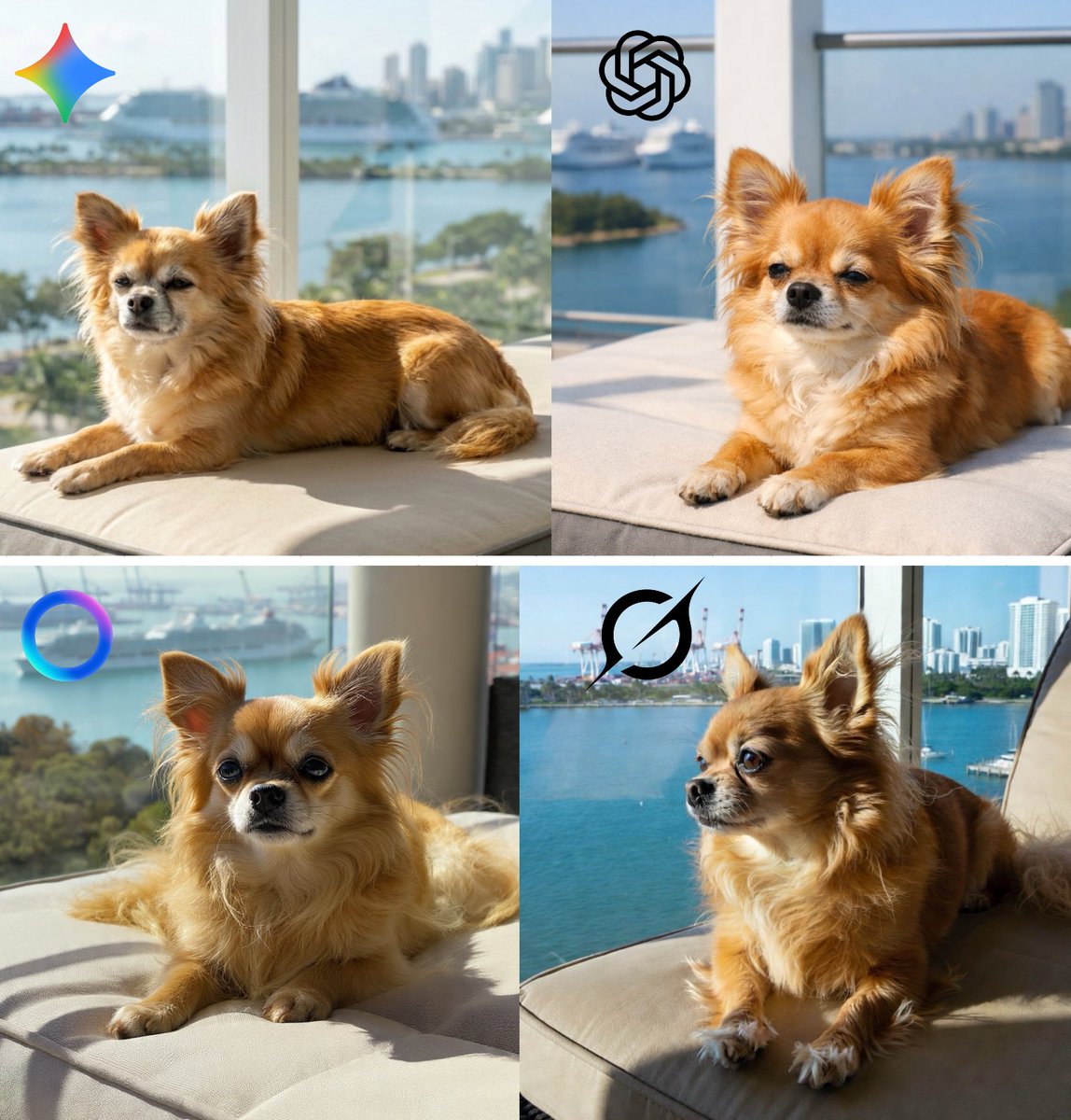
Portrait enhancement
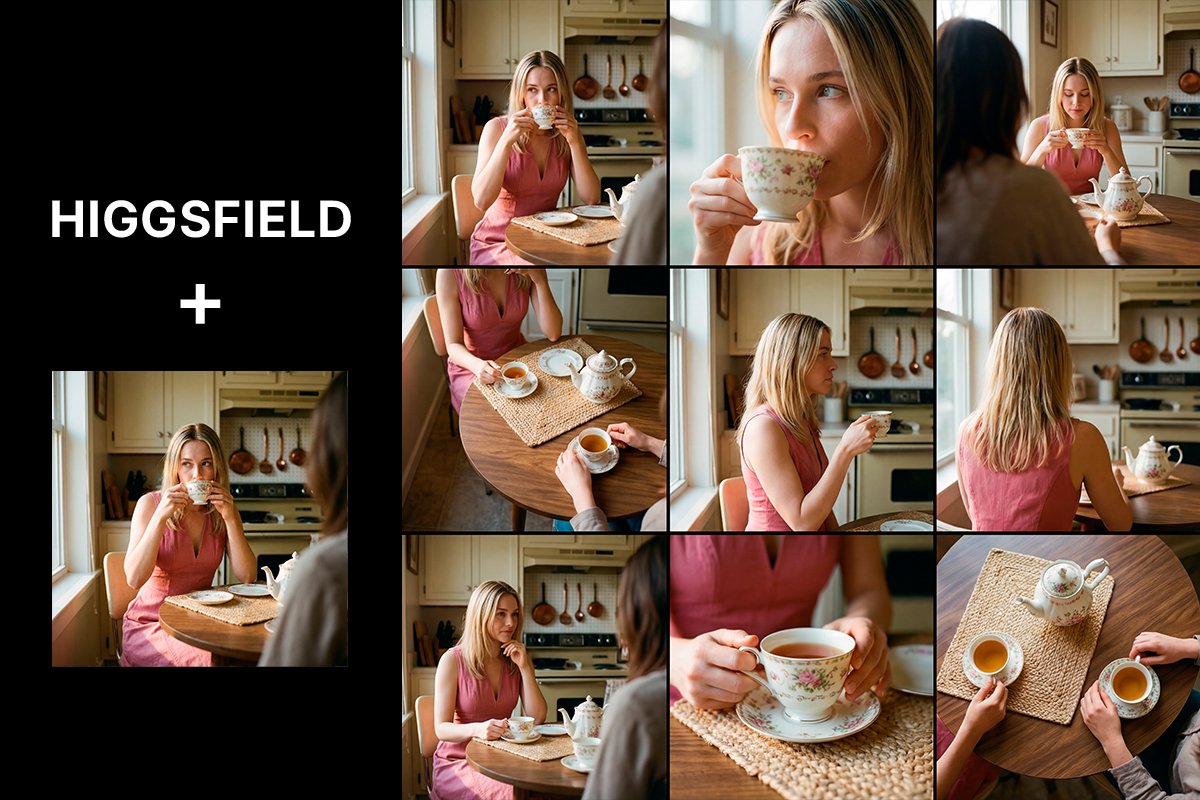
Background replacement
How It Works
Upload Your Image
Start with any photo, artwork, or screenshot. JPEG, PNG, and WebP are supported. The AI preserves the composition of your original image.
Describe the Changes
Type what you want to change in plain English. "Make it look like an oil painting", "swap the background to a beach", or any other transformation.
Generate Variations
The AI generates your edited image in seconds. Iterate quickly by adjusting your prompt or trying different models.
Key Features
Style Transfer
Convert any photo into oil paintings, watercolors, anime, sketches, and hundreds of other styles. Preserve the subject while completely transforming the aesthetic.
Background Swap
Replace backgrounds instantly with a text description. Put your subject in any environment without complex selection tools.
Object Editing
Add, remove, or modify objects using natural language instructions. Change clothing, add accessories, remove distracting elements.
Face Enhancement
Improve portrait quality, adjust expressions, refine skin tones, add makeup, or age/de-age subjects while maintaining photorealism.
Creative Variations
Generate multiple variations of any image to explore different interpretations. Use the same prompt to get diverse results.
Preserve Composition
FLUX Kontext maintains the structural composition of your original image through edits. Only what you specify changes.
Supported AI Models

The world's leading image-editing AI. Accurately follows text instructions while preserving composition. Fast and ideal for iterative editing.
Maximum quality FLUX editing. Supports multiple reference images for complex edits requiring consistency across character and style.
OpenAI's powerful multimodal model excels at following complex editing instructions, adding text to images, and creating highly varied transformations.
Frequently Asked Questions
What is AI image-to-image editing?
AI image-to-image editing uses generative AI models to transform an existing image based on text instructions. Simply describe the change you want — the AI applies the transformation while preserving the elements you want to keep.
What kinds of changes can I make to an image?
You can change virtually any aspect: art style, color palette, lighting, background, clothing, accessories, facial features, scene elements, time of day, weather, and more.
Does it preserve my original image structure?
Yes. FLUX Kontext models are specifically designed to preserve the compositional structure of your original image. Only the aspects described in your prompt are changed.
What image formats can I upload?
KVIO.ai accepts JPEG, PNG, and WebP image formats. Images should be at least 256×256 pixels. For the best output quality, use images of 1024×1024 or larger.
How specific can I be with my editing prompts?
Very specific. FLUX Kontext models understand detailed, multi-step instructions. You can say "change the background to a snowy mountain, add a red jacket, and add golden hour lighting" and the AI applies all three changes.
How many credits does image-to-image editing cost?
FLUX Kontext Pro costs just 5 credits per edit. FLUX Kontext Max costs 10 credits for higher fidelity edits. GPT-4o Image editing costs 20 credits.
Start Free, Scale as You Create
No credit card required to start. Credits never expire on paid plans.
Starter
300 credits/month — ideal for getting started
- 300 credits/month
- Text / Image / Video to video
- Access to selected AI models
- AI short video & image generation
- No watermark, download in HD
- Voiceovers & background music
- All art styles
- 1 parallel task
- HD export in standard formats
Pro
800–10K credits/month — scale with your creation
Credits / month
- 800–10K credits/month (your choice)
- Text / Image / Video to video
- Multi-model: Kling, Veo, Nano Banana & more
- AI short video & image generation
- No watermark, download in HD
- HD export in standard formats
- Voiceovers & background music
- All art styles
- Parallel tasks for faster workflow
Start Creating for Free
Join creators using KVIO.ai to generate stunning AI videos and images every day.
Includes 10 credits/month + 5 signup bonus credits · No credit card required