
Generated Images
Loading history...
Loading your images...
History
Flux Kontext Max — AI Image Editing & Style Transfer
Black Forest Labs' most powerful editing model. Flux Kontext Max transforms existing images with precise, instruction-based edits — change backgrounds, swap styles, relight scenes, and maintain subject identity across variations.
Example Outputs & Prompts
Real outputs from the community — each with the exact prompt used.
 Style Transfer
Anime Style Portrait
Transform this portrait into a Studio Ghibli anime style. Preserve the subject's facial features and expression exactly. Soft cel-shading, painterly background with warm earth tones, natural lighting translated to hand-drawn aesthetic. Keep identity, change style completely.
 Background Swap
Studio Background Replacement
Replace the background with a minimalist gradient studio setup. Keep the subject and foreground elements completely unchanged. Clean white-to-light-gray gradient, soft studio lighting, professional headshot aesthetic.
 Photo Editing
Cinematic Color Grade
Apply a cinematic color grade to this photo. Teal shadows, warm highlights, lifted blacks, reduced saturation in midtones. Anamorphic lens simulation with subtle horizontal bokeh streaks. Keep all subjects and composition unchanged.
 Product Photography
Product on White Background
Place this product on a clean white background with a soft drop shadow. Professional e-commerce photography lighting — even, shadowless, with slight reflection on a white surface. Remove any existing background completely.
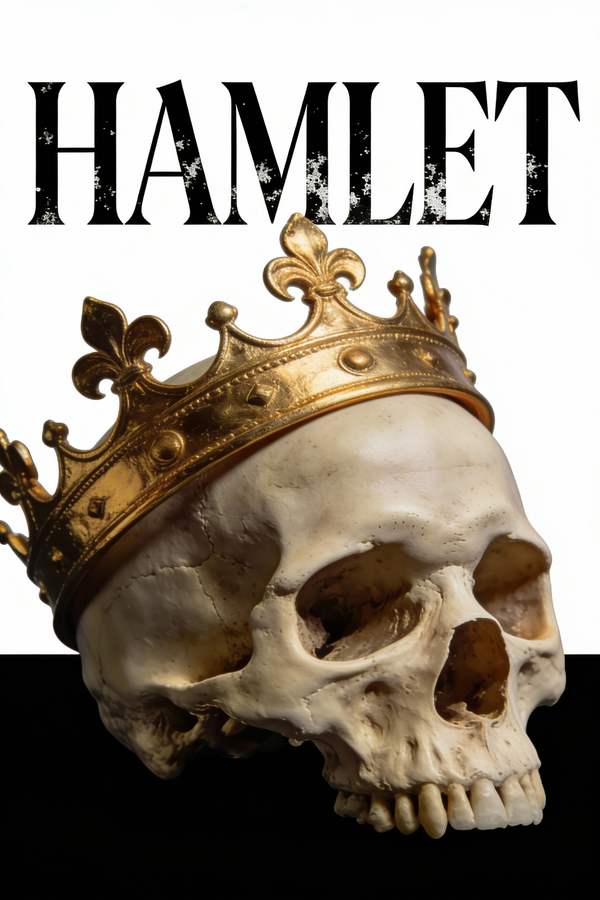 Illustration
Watercolor Illustration Conversion
Convert this photo into a loose watercolor illustration. Preserve the overall composition and main subject. Add watercolor texture with visible brush strokes, color bleeds, and paper texture. Warm, slightly desaturated palette. Sketchy ink outlines on key edges.
How to use it
Upload your reference image
Drag in the image you want to edit. Flux Kontext Max uses it as the base for all transformations.
Describe the change
Write what you want to change, not what you want to keep. Be specific: "replace the background with...", "convert to watercolor style", "change the jacket to red".
Fine-tune with follow-up edits
Each output can be used as input for the next edit. Layer changes incrementally for complex transformations.
What it's good at
Subject identity preservation
The most reliable model for keeping a person's face, body, and clothing consistent while changing everything else around them.
Instruction-following edits
Understands natural editing commands. "Make it look more dramatic", "add fog in the background", "change her dress to blue" all work as expected.
Multi-step editing pipeline
Output from one generation feeds cleanly into the next. Build up complex looks through incremental steps without drift.
Questions
What's the difference between Kontext Max and Kontext Pro?
Max has stronger instruction following and better identity preservation for complex edits. Pro is faster and cheaper for simpler transformations.
Can it edit faces accurately?
Yes — it preserves facial identity better than most models. Good for product shots, portrait retouching, and consistent character work.
Does it work on generated images?
Yes. You can generate with any model, then edit the output with Flux Kontext Max.
How many edits can I layer?
There's no hard limit. Complex transformations often work best in 3–5 incremental steps.