
Model
Prompt
Press ⌘/Ctrl + Enter to generate
Size
Generated Images
Loading history...
Model
Prompt
Press ⌘/Ctrl + Enter to generate
Size
Loading your images...
History
Nano Banana 2 AI Image Generator
Generate stunning images with Nano Banana 2 — Google's Imagen-powered model. From photorealistic portraits to watercolor maps, vintage documents, and art-style transformations. Fast, high-quality, no watermarks.
Example Outputs & Prompts
Real images generated by the community — each with the exact prompt used.
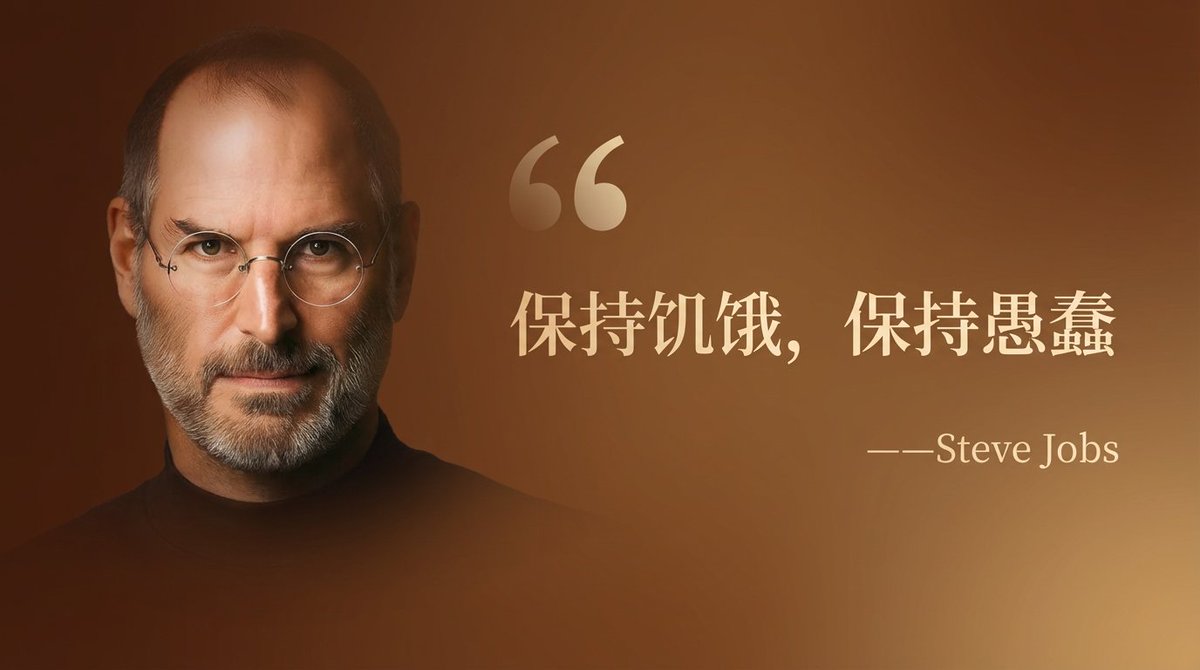 Social Media
Quote Card with Portrait
A wide quote card featuring a famous person, with a brown background and a light-gold serif font for the quote: "Stay Hungry, Stay Foolish" and smaller text: "—Steve Jobs." There is a large, subtle quotation mark before the text. The portrait of the person is on the left, the text on the right. The text occupies two-thirds of the image and the portrait one-third, with a slight gradient transition effect on the portrait.
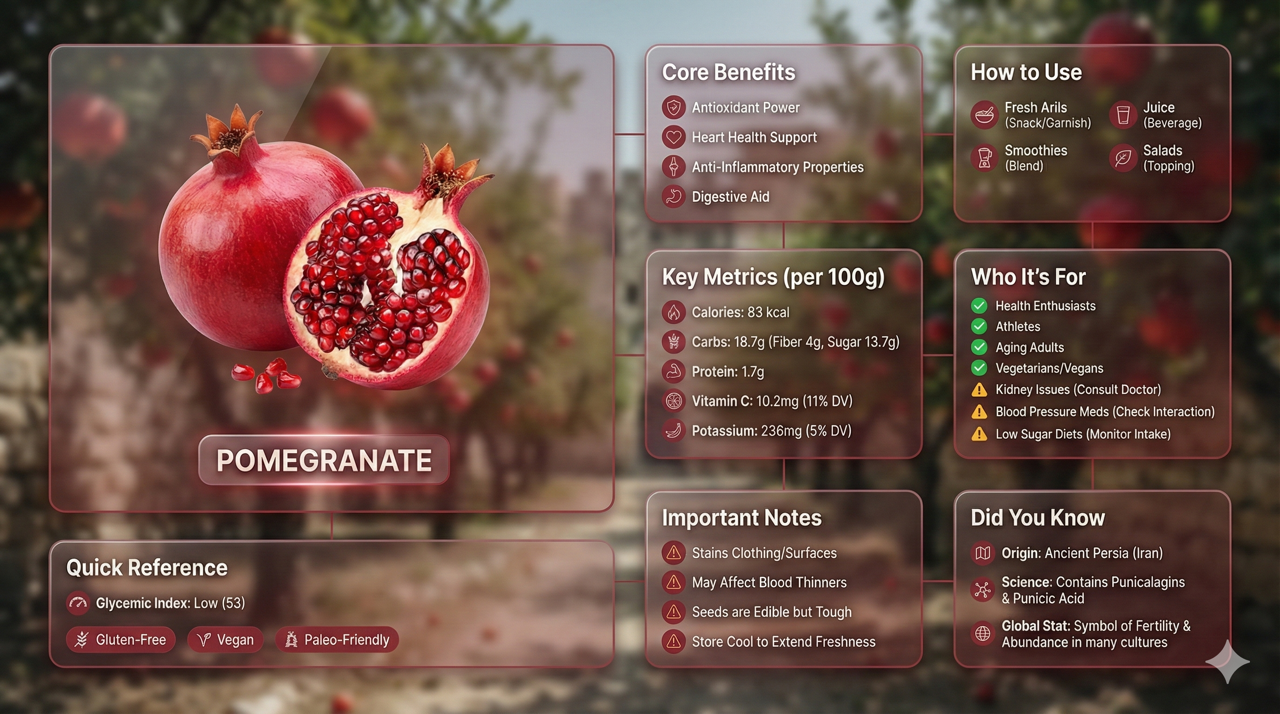 Infographic
Liquid Glass Bento Infographic
Create a premium liquid glass Bento grid product infographic with 8 modules in 16:9 landscape. Hero product displayed with Apple liquid glass style cards (85–90% transparent), whisper-thin borders and subtle drop shadow for floating depth. Background: ethereal product essence with light caustics. Asymmetric Bento grid — hero card 28–30%, info modules 70–72%. Ultra-premium output.
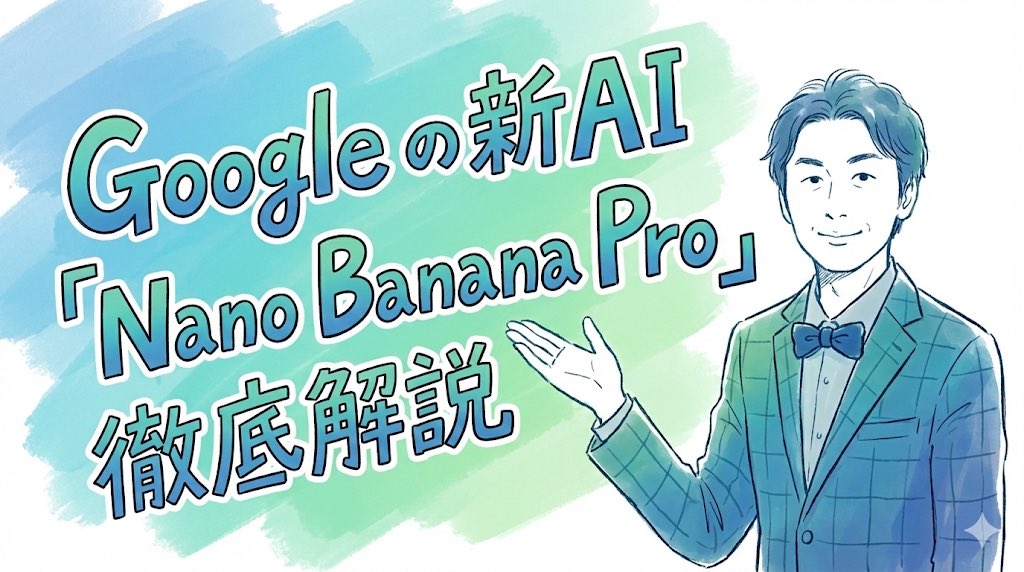 Header Image
Hand-Drawn Article Header
Completely recreate the uploaded person. Make it a header image for a note article where that person introduces "Nano Banana Pro". Aspect ratio: horizontal 16:9. Style and colors: simple, hand-drawn style, italic, with a blue and green gradient. Title text: "In-depth explanation of Google's new AI 'Nano Banana Pro'".
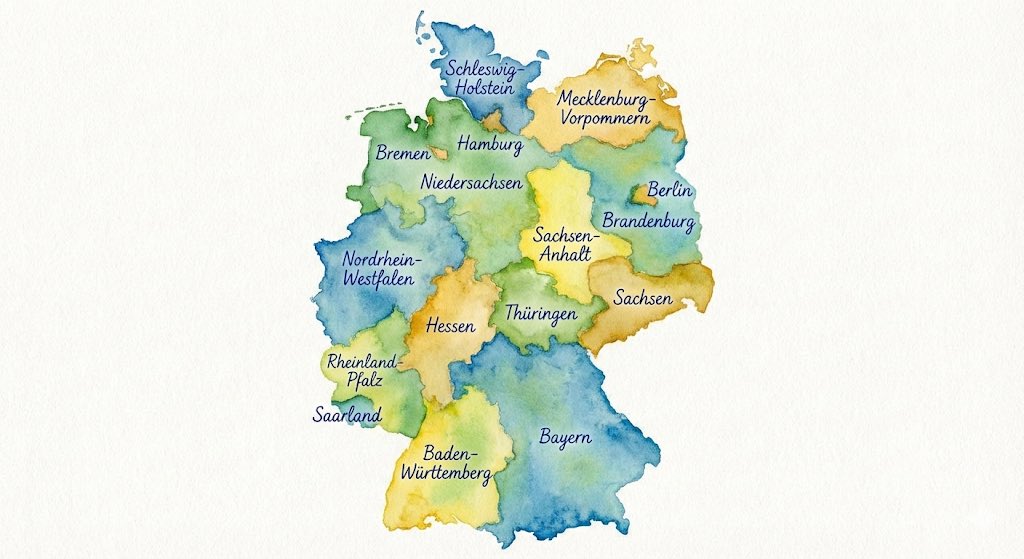 Illustration
Watercolor Map
Generate a map of Germany in watercolor style, on which all federal states are labeled in ballpoint pen.
 Document Art
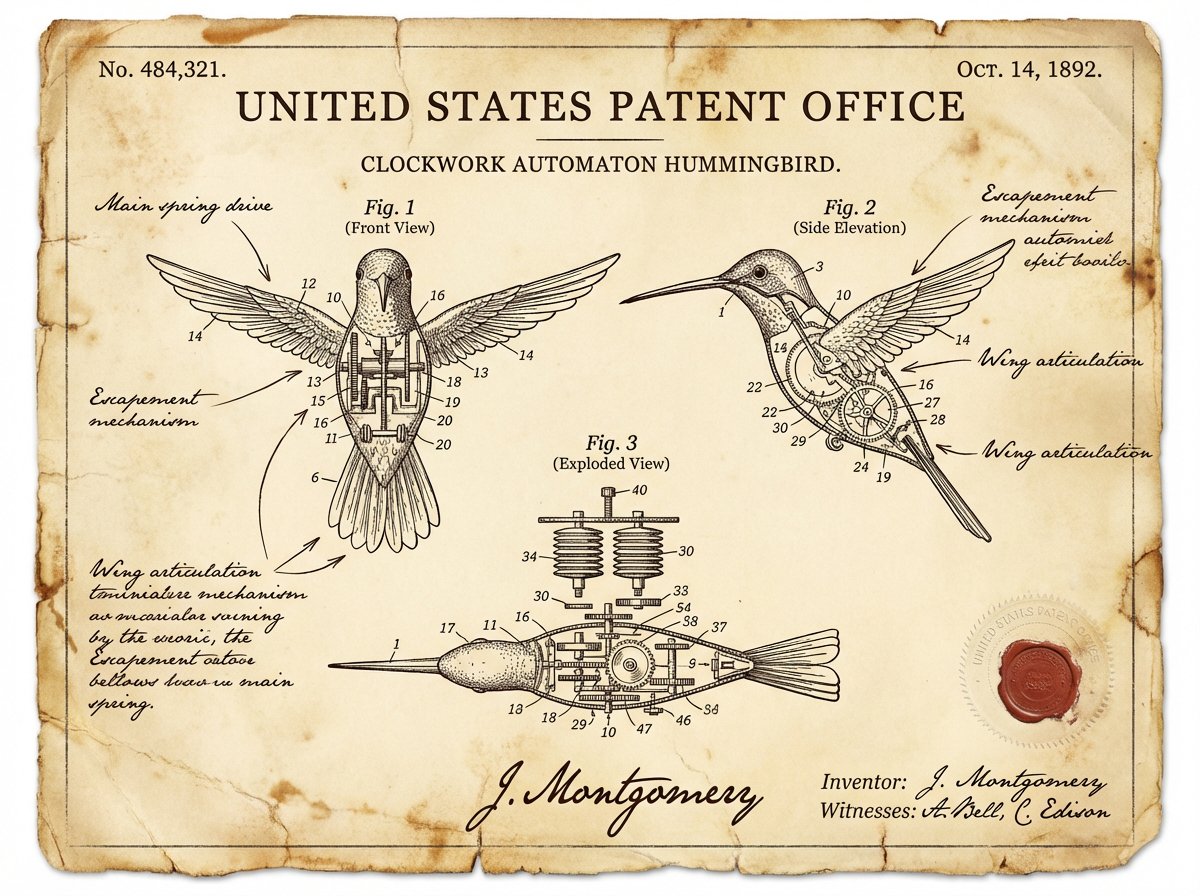
Vintage Patent Document
A vintage patent document for a BICYCLE, styled after late 1800s United States Patent Office filings. Precise technical drawings with numbered callouts (Fig. 1, Fig. 2, Fig. 3). Handwritten annotations in fountain-pen ink. Aged ivory paper with foxing stains and soft fold creases. Official embossed seal and red wax stamp in the corner. A hand-signed inventor's name and date at the bottom — authoritative, historic, and slightly mysterious.
 Education
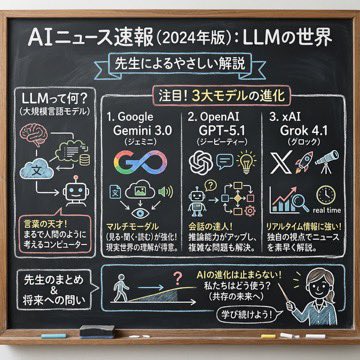
Chalkboard News Explainer
Using the following content, summarize the news in a chalkboard-style, hand-written look, and break it down with diagrams and easy-to-understand expressions as if a teacher had written it on a classroom blackboard.
 Photography
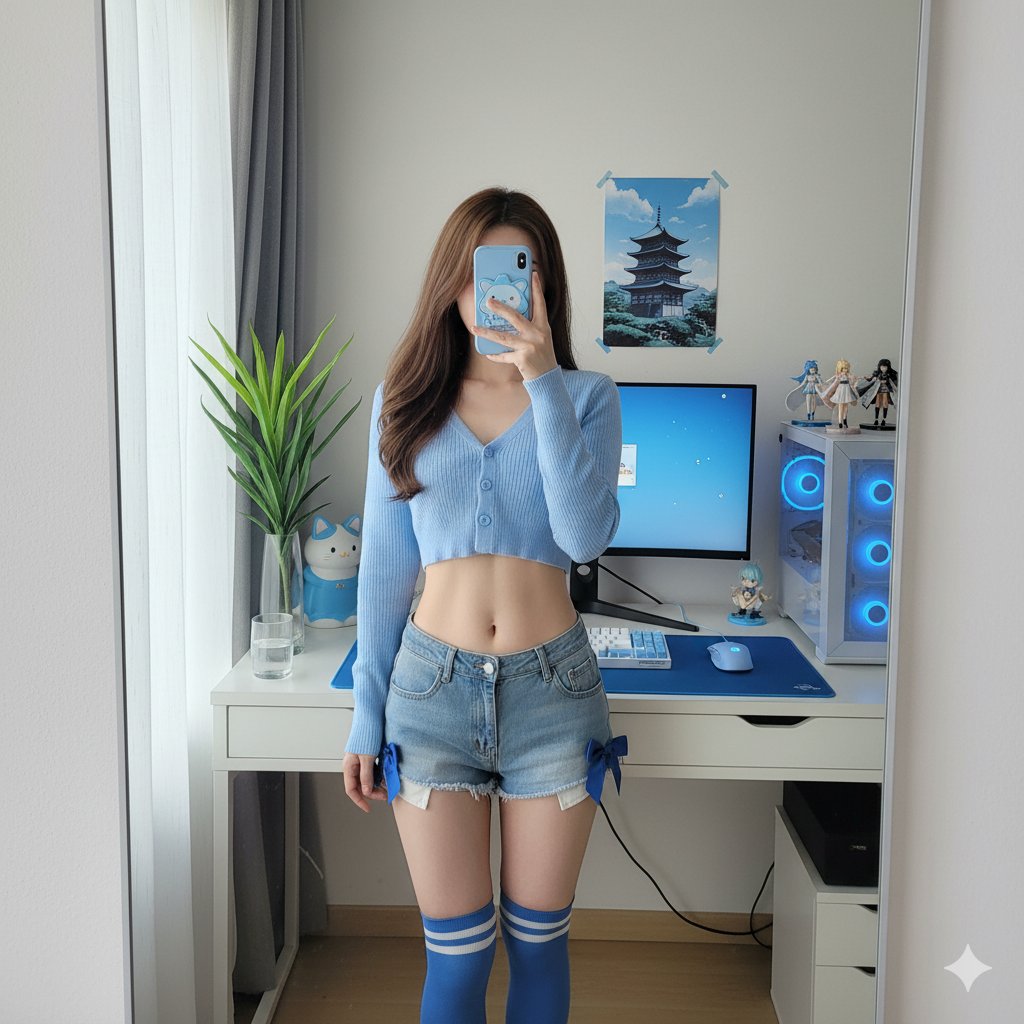
Photorealistic Mirror Selfie
Mirror selfie in a blue-toned otaku computer corner. Female character ~25, slim build, waist-length brown hair. Light blue cropped knit cardigan, denim ultra-short shorts with blue satin ribbon bows, blue-and-white striped over-the-knee socks. White desk, mechanical keyboard, monitor with blue wallpaper, PC tower with blue lighting, anime figures nearby. Soft daylight through sheer curtains. 26mm equivalent, f/1.8, ISO 100, 1:1 aspect ratio.
 Art Style
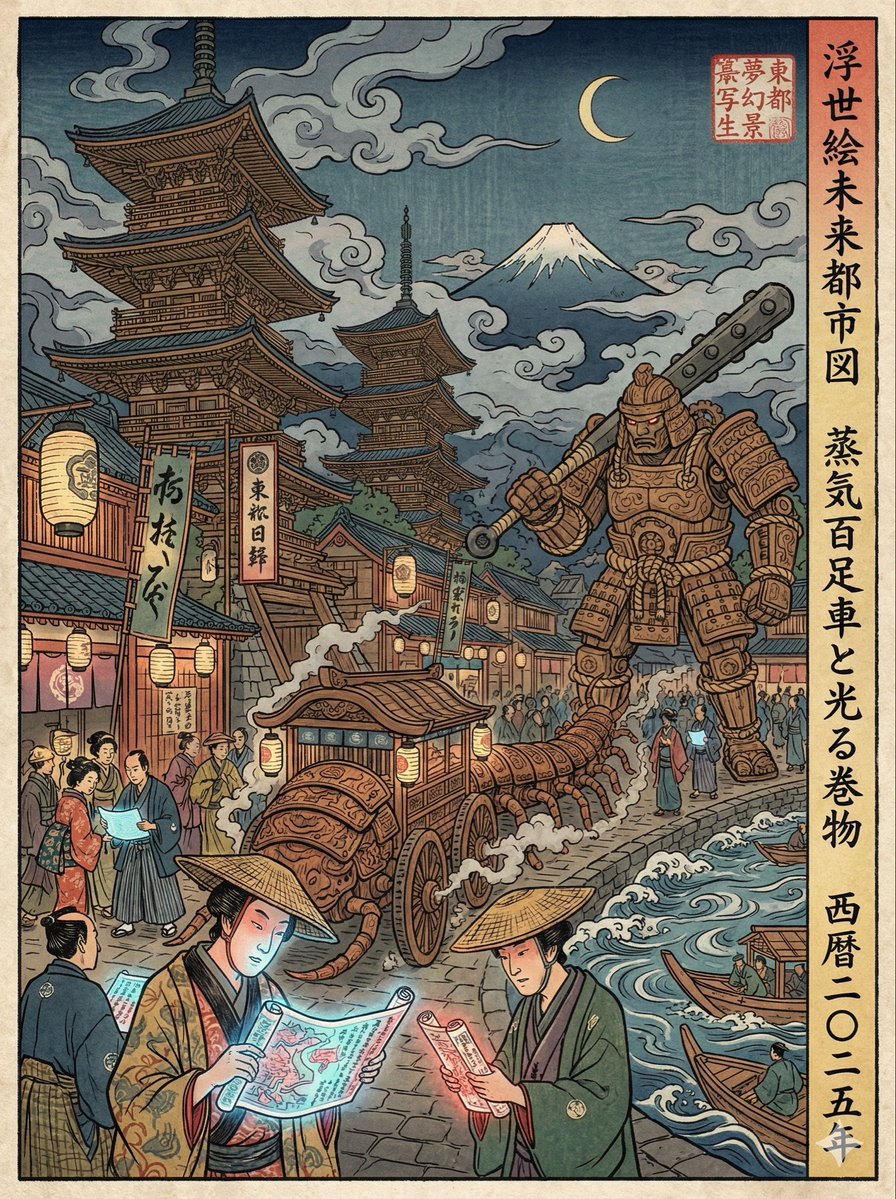
Ukiyo-e Modern Scene
A Japanese Edo-period Ukiyo-e woodblock print reimagining a busy Shibuya scramble crossing. Characters wear Edo-era kimono but perform modern actions. Smartphones → glowing paper scrolls. Trains → giant wooden centipede carriages. Skyscrapers → towering pagodas. Bold hand-carved ink outlines, flattened perspective, visible wood grain and printing imperfections. Prussian blue, vermilion red, muted yellow ochre. 3:4 vertical poster with vertical Japanese calligraphy and a red artist seal.
How to use it
Write a prompt
Describe what you want — a photo, an illustration, a document, a scene. You can borrow any of the prompts above as a starting point.
Pick a resolution
1K is fast and good enough for drafts. 2K or 4K if you need something print-ready or want to zoom in on the details.
Download it
Hit generate, wait a few seconds, save the result. No account required to try — credits kick in when you go beyond the free tier.
What it's good at
Text rendering
Nano Banana 2 handles in-image text better than most models. Quote cards, infographics, labels — things that used to require post-editing now come out right on the first try.
Reference image input
Drop in a reference photo and it picks up the style, palette, or composition. Useful when you want consistency across a batch or need to match an existing visual identity.
Prompt flexibility
Works with short casual prompts and with long structured ones. The examples above are from the community — ranging from one sentence to 500-word scene specs.
Questions
What is Nano Banana 2?
It's Google's Imagen model, available here via the KIE.AI API. Same underlying technology as Google's own image generation tools, just accessible through this interface.
How much does a generation cost?
8 credits per image at 1K. 2K and 4K cost more. You can check the credit pricing page for the exact breakdown.
Can I feed it a reference image?
Yes. Upload a photo and it'll use it as a style or composition reference. It doesn't copy the image — it uses it as a guide.
Why is my prompt not giving good results?
Try being more specific about style, lighting, and framing. The prompts in the examples above are good templates — copy one and modify it.
Do the images have watermarks?
No watermarks. What you download is the raw output.