
Generated Images
Loading history...
Loading your images...
History
Flux Kontext Pro — Fast AI Image Editing
Black Forest Labs' fast image editing model. Flux Kontext Pro delivers accurate instruction-based edits in seconds — background swaps, style changes, and object modifications while preserving subject identity.
Example Outputs & Prompts
Real outputs from the community — each with the exact prompt used.
 Product Photography
Product Background Swap
Place this product against a clean marble surface background. Remove the original background entirely. Soft overhead lighting with a subtle cast shadow beneath the product. Professional flat-lay photography aesthetic.
 Portrait
Outdoor to Studio Portrait
Move this outdoor portrait into an indoor studio setting. Replace the background with a seamless warm gray backdrop. Adjust lighting to match professional studio strobes — soft box from camera left, subtle fill from right. Keep subject unchanged.
 Style Transfer
Oil Painting Style
Convert this image into an oil painting in the style of classical Dutch masters. Visible brush strokes, rich impasto texture, dramatic Rembrandt-style lighting with deep shadows and warm highlights. Preserve the composition completely.
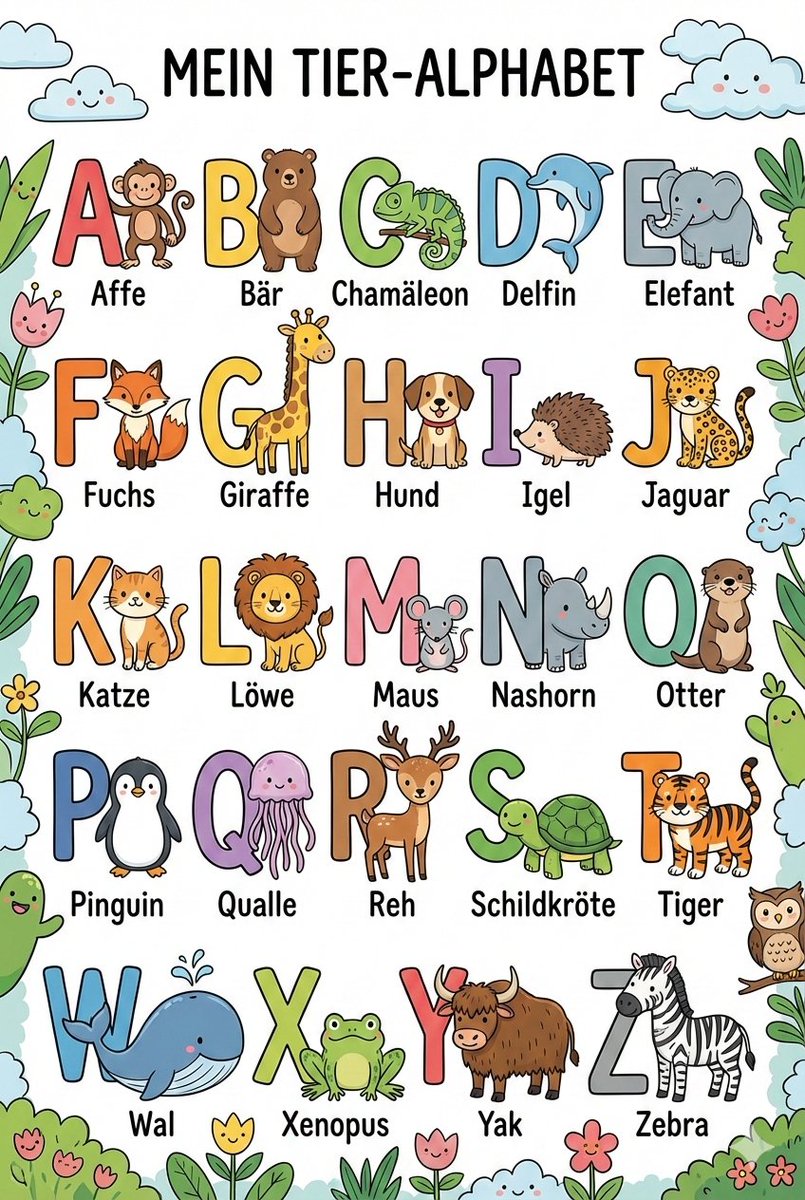 Photo Editing
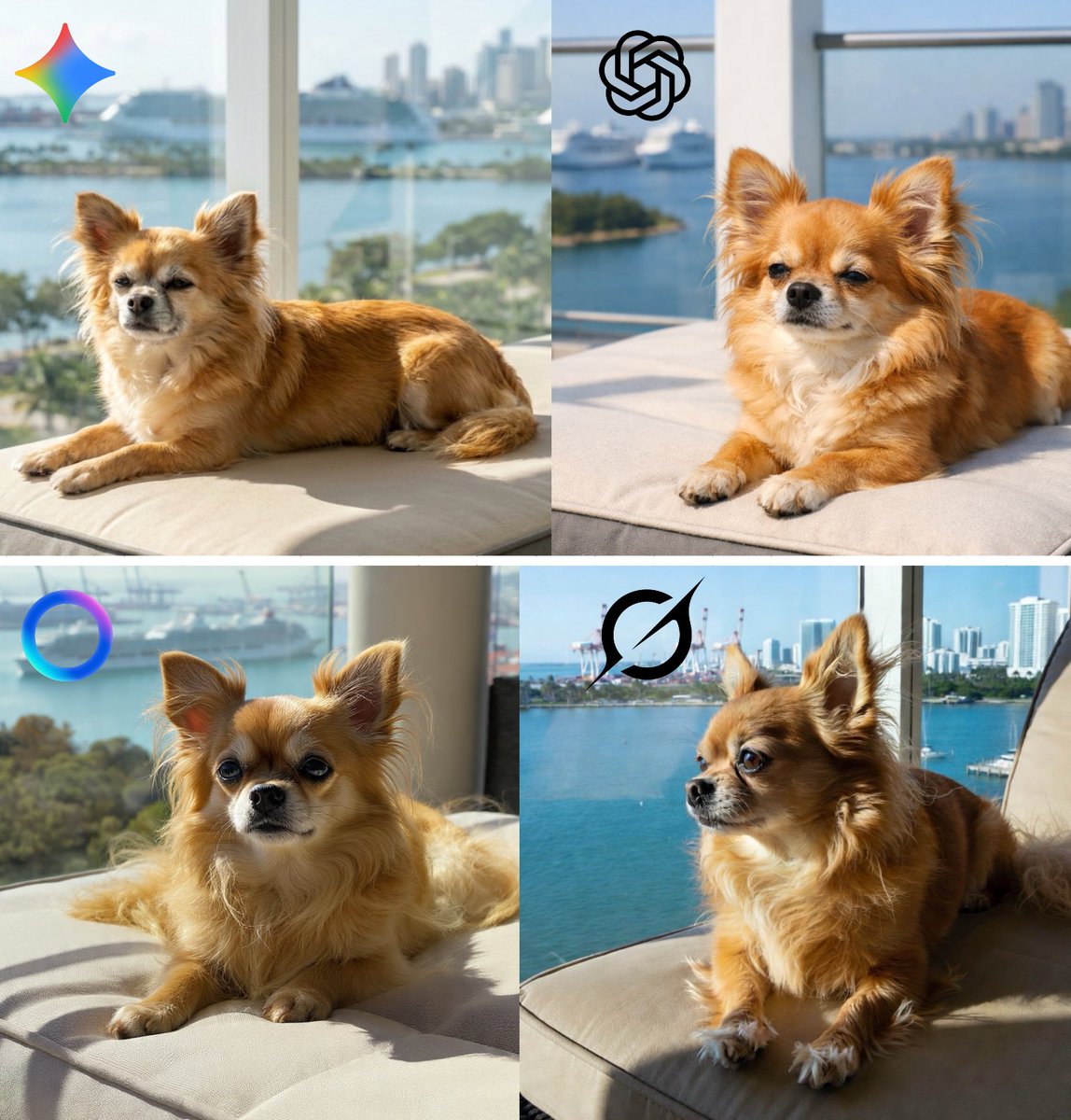
Golden Hour Relight
Relight this scene to look like golden hour — 20 minutes before sunset. Warm orange-gold directional light from the left side, long shadows, slight lens flare. Keep all subjects and objects unchanged, only change the lighting quality and color.
 E-commerce
Lifestyle Product Shot
Place this product in a cozy lifestyle setting. A rustic wooden table with natural props — a coffee mug, a book, dried flowers. Warm natural window light from the right. Slight depth of field blur on background. Authentic, editorial feel, not staged.
How to use it
Upload the base image
Start with your photo, generated image, or product shot.
Write the edit instruction
Use clear, direct language: "change the background to...", "make it look like...", "replace X with Y".
Download and use
Results in under 30 seconds. Download in original resolution, no watermarks.
What it's good at
Speed-optimized
Flux Kontext Pro generates edits 2–3x faster than Max, making it ideal for rapid iteration and batch workflows.
Consistent identity
Like Max, Pro preserves subject identity during edits. Faces, objects, and key elements stay recognizable through transformations.
Direct instruction editing
Natural language editing commands work reliably. No need for complex prompt engineering or inpainting masks.
Questions
When should I use Pro vs Max?
Pro for fast iteration and simpler edits. Max for complex transformations where identity preservation is critical.
How fast is it?
Under 15 seconds for most edits.
Can it remove objects?
Yes — describe what to remove and what to fill with. "Remove the person in the background, fill with the existing wall texture."
What file formats does it accept?
JPG and PNG, up to 4096×4096.